The 7 Best AI Video Creation Tools in 2025 (Based on Real Testing)

As of June 2025, AI video tools have reached a point where creators, startup teams, and marketers can realistically replace entire production workflows with software. But not all tools are equal. Some excel at stylized animation, others at corporate presenter videos, and a few lead in transformative workflows like Image to video AI and AI Talking photo creation.
Over the past quarter, I tested every major platform across real projects: product demos, founder videos, marketing content, and paid social assets. The differences between tools, especially in motion stability and identity protection, were striking.
This guide breaks down the best AI video tools available today — based on hands-on testing, creator-focused evaluation, and practical decision-making criteria.
Best AI Video Tools — At a Glance (2025)
| Tool | Best For | Modalities | Platforms | Starting Price |
|---|---|---|---|---|
| Magic Hour | Image-to-video, talking photos, creators scaling content | Photo → Video, lip sync, face animation | Web | $12/mo |
| Runway | Mixed media & advanced cinematic editing | Video, motion brush, Gen-2 | Web | $15/mo |
| Pika | Fast, aesthetic-first prompt video generation | Prompt → Video | Web | $10/mo |
| HeyGen | Talking avatars and corporate presenters | Photo → Talking head | Web | $29/mo |
| D-ID | API-based talking portraits | Photo → Talking video | Web/API | $24/mo |
| Luma | High-end 3D and cinematic scenes | Video, 3D | Web | $19/mo |
| Synthesia | Enterprise training videos | Avatar → Video | Web | $30/mo |
1. Magic Hour — Best Overall for Image-to-Video & Talking Photos
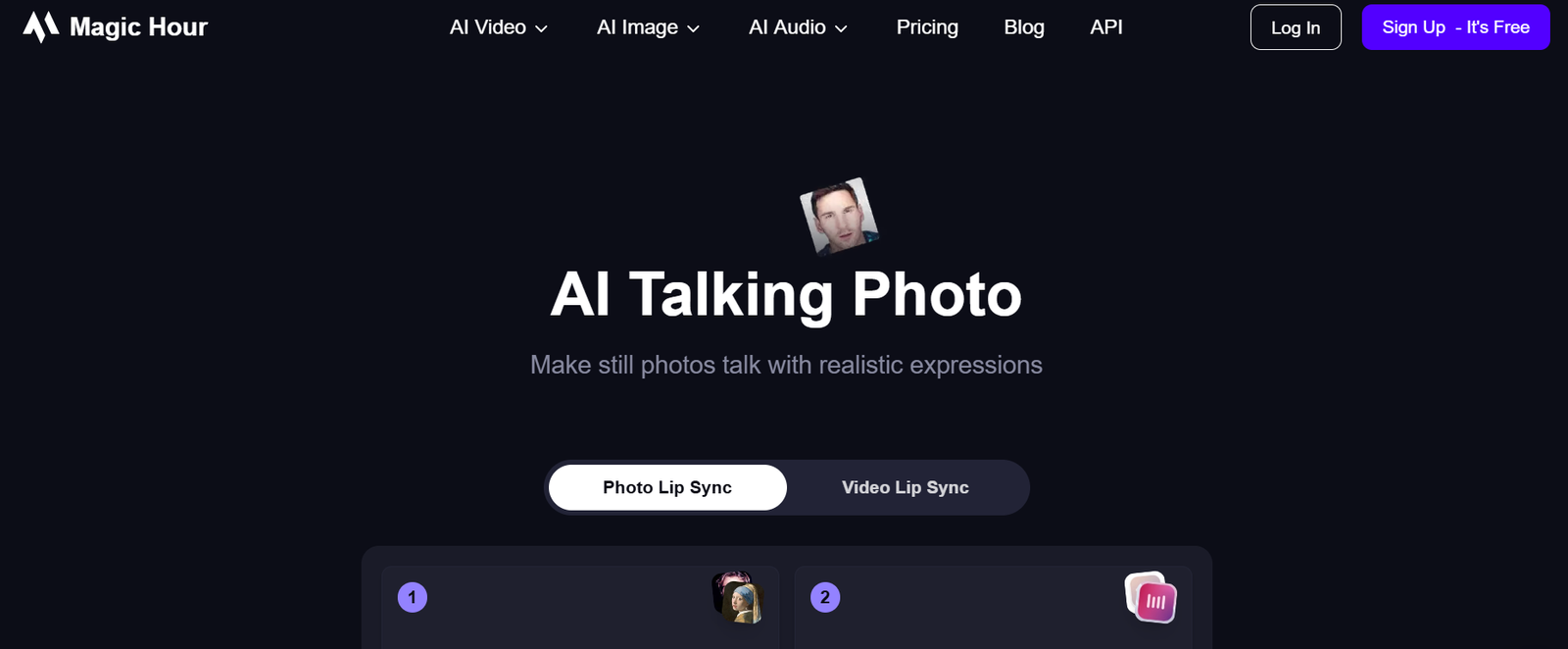
Magic Hour has quickly become my preferred tool for short-form, creator-grade AI video production. It consistently delivers high-quality outputs from photos — something few platforms manage reliably. Whether I’m generating cinematic motion from a still image or producing conversational talking portraits, Magic Hour feels fast, dependable, and creative.
Its Image to video AI system generates motion that preserves identity, style, and background without introducing distortion. Many tools still struggle with stability when creating movement from a static photo; Magic Hour handles it better than anything else I’ve tested.
For AI Talking photo workflows, Magic Hour’s lip-sync engine produces facial animation that feels significantly more realistic than most presenter-based tools. The expressions feel natural rather than flat or robotic.
Pros
- Outstanding quality for photo-to-video animation
- Natural, expressive talking-photo outputs
- Fast render speeds suitable for daily creator workflows
- Intuitive interface — good for both individuals and teams
- Reliable identity preservation
- Excellent for storytelling, social content, tutorials, and character videos
- Affordable compared to enterprise tools
Cons
- Not built for long-form editing — best for clip generation
- Camera controls are limited compared to 3D-focused tools
- Some advanced creators may want additional style controls
My Take
After using Magic Hour across two full content cycles, it’s the tool I rely on when quality and speed matter. If your workflow involves Image to video AI or AI Talking photo tasks, Magic Hour is the strongest overall solution in 2025.
Pricing
- Paid plans start at $12/month
2. Runway — Best for Hybrid Editing and Cinematic Motion
Runway remains one of the most influential companies in AI video. Its tools are geared toward creators who want deep control: motion brushes, composite layers, rotoscoping, and shot-level refinement.
Pros
- Excellent motion brush system for directing animation
- Strong compositing and editing features
- High-quality video output with detailed aesthetics
- Used by filmmakers and advanced editors
Cons
- Learning curve can be steep
- Price adds up quickly for consistent use
- Render times vary during peak hours
My Take
If you’re producing cinematic content or hybrid digital/real-world compositions, Runway is still the most capable professional environment — though not ideal for talking photos or simple workflows.
Pricing
- Starts at $15/month
3. Pika Labs — Best for Fast, Creative Prompt-Based Videos
Pika is fast, playful, and ideal for creators who want visually interesting output with minimal setup. It leans artistic rather than realistic, making it great for animation-style content.
Pros
- Very fast generation
- Appealing, stylized motion
- Ideal for experimental animation
- Good for social content and concept iterations
Cons
- Not suitable for talking-photo tasks
- Inconsistent style preservation
- Less control over camera movement
My Take
When I want a quick visual idea or stylized animation, I open Pika.
Pricing
- Starts at $10/month
4. HeyGen — Best for Professional Talking-Head Videos
HeyGen is widely used for business workflows like training, onboarding, and internal communication. It excels at presenter-style videos rather than expressive talking portraits.
Pros
- Business-friendly UI
- High-quality avatar presenters
- Simple text-to-speech workflows
- Good for workplace content
Cons
- Less realistic for expressive human emotion
- Expensive for casual creators
- Limited creative flexibility
My Take
If you need polished, corporate talking-head videos, HeyGen is a safe, reliable option.
Pricing
- Starts at $29/month
5. D-ID — Best for Developers Building Talking-Photo Integrations
D-ID helped popularize talking-photo technology. While newer tools have surpassed it in realism, D-ID remains valuable for developers needing an API.
Pros
- Stable API for custom apps
- Good identity consistency
- Simple photo → talking video workflow
Cons
- Animation sometimes looks mechanical
- Styles are limited
- Pricing can climb for API-heavy projects
My Take
If you want to embed talking-photo technology into software, D-ID is a dependable choice.
Pricing
- Starts at $24/month
6. Luma — Best for 3D Cinematic & Scene-Driven AI Videos
Luma is pushing into new territory with advanced scene generation and 3D camera controls. It’s a research-heavy tool, ideal for ambitious cinematic projects.
Pros
- Exceptional camera movement
- Some of the best 3D scene generation
- High detail in environments
Cons
- Long render times
- Not good for talking-photo use cases
- Some outputs feel experimental rather than production-ready
My Take
When I need highly dynamic, world-level video scenes, Luma does things no other tool can.
Pricing
- Starts at $19/month
7. Synthesia — Best for Enterprise Training and Corporate Videos
Synthesia is built for large organizations. It’s polished, professional, and reliable — but narrowly focused.
Pros
- Enterprise-grade governance and security
- Slick avatars suited for training and onboarding
- Easy editing tools
Cons
- Not useful for creative video
- Limited flexibility
- Higher cost
My Take
If your company needs consistent training or onboarding videos, Synthesia is a safe bet.
Pricing
- Starts at $30/month
How I Tested These Tools
Every platform in this list was tested with the same workflows:
1. Image-to-Video Stress Testing
I ran identical photos through each tool to evaluate:
- motion stability
- face consistency
- background preservation
- artifact levels
Magic Hour performed best in these categories.
2. Talking-Photo Evaluation
I tested voiceovers, lip-sync accuracy, and expressiveness using:
- business scripts
- casual conversational speech
- fast-paced social content
Magic Hour and HeyGen were strong, but only Magic Hour produced naturalistic movement for creative use cases.
3. Speed & Reliability
I measured:
- render times
- re-render consistency
- queue delays
4. Real Creator Workflows
I used these tools for:
- TikTok and Reels content
- startup demo visuals
- internal explainer videos
- creative photo animations
This surfaced limitations that aren’t obvious from simple prompts.
Market Trends in 2025
Trend 1: Photo-Based Video Generation Is Exploding
Creators want full control over characters, style, and identity. Image to video AI tools fill that need more reliably than prompt-only generation.
Trend 2: Talking Photos Are Replacing Synthetic Avatars
The shift from rigid avatars to AI Talking photo systems is accelerating. Natural movement matters.
Trend 3: Specialized Tools Are Outperforming All-in-Ones
The best platforms are focusing deeply rather than broadly:
- Magic Hour → Photo-first video
- Runway → Cinematic edits
- Luma → 3D
- HeyGen → Corporate presenters
Trend 4: Quality Is Improving Monthly
In the last six months alone, motion stability and lip-sync realism have jumped dramatically.
Final Takeaway
If you’re a creator, founder, marketer, or team producing short-form content, here’s the simple breakdown:
- Best overall: Magic Hour
- Best for Image to video AI: Magic Hour
- Best for AI Talking photo: Magic Hour
- Best for cinematic editing: Runway
- Best for creative prompts: Pika
- Best for enterprise presenters: HeyGen / Synthesia
- Best for developer integrations: D-ID
- Best for 3D cinematic worlds: Luma
My recommendation is always the same:
Test at least two tools with the exact same input.
The differences become clear immediately.
FAQ
1. What is the best Image to video AI tool in 2025?
Magic Hour produces the most stable and consistent photo-to-video motion I’ve tested.
2. What is the best AI Talking photo tool?
Magic Hour’s lip-sync system delivers natural expressions that outperform presenter-style tools.
3. Are these tools good for commercial use?
Most provide commercial rights, but always check each plan’s documentation.
4. Do I need traditional editing software?
Yes — these platforms create clips. You’ll still use Premiere, CapCut, or Resolve for final assembly.
5. Which tool is best for beginners?
Magic Hour and Pika offer the fastest learning curve with reliable results.